How to Put Your Restaurant on Eventful Tables in One Sitting
Listing a restaurant on Eventful Tables takes one sitting, and you can stop halfway and come back. You need six things: your opening hours, how many seats you can give us per timing, the quiet timings you want a deal on, your photos, your menu, and a card or bank account for the bill. Nothing is charged when you finish. The first money only moves after real diners have eaten.
The six things to have ready
Get these on the table before you start and the whole thing goes fast.
1. Your opening hours. Real ones, per day, including the days you close.
2. Your seats. Not your total seats, the number you are happy to hand us in one timing. Most places start small and raise it later.
3. The quiet timings. The stretches where your room is half empty. That is where a deal goes. Our guide to filling quiet hours covers how to pick them.
4. Photos. Yours, not stock. Food and room.
5. Your menu. A PDF or photos are fine. We type it out for you.
6. A card or bank account. For the bill later. Nothing is charged now.
What happens after you finish
We read it, we check your listing looks right, and we put it live. You get your own console, which is a web page, not an app to download. It opens on the phone your floor staff already carry.
You also get a QR sticker for your entrance. The guest scans it when they arrive, and that scan is what unlocks their discount. It is the guest who does it, not you, so nobody can argue later about whether they turned up.
What your staff have to do on the night
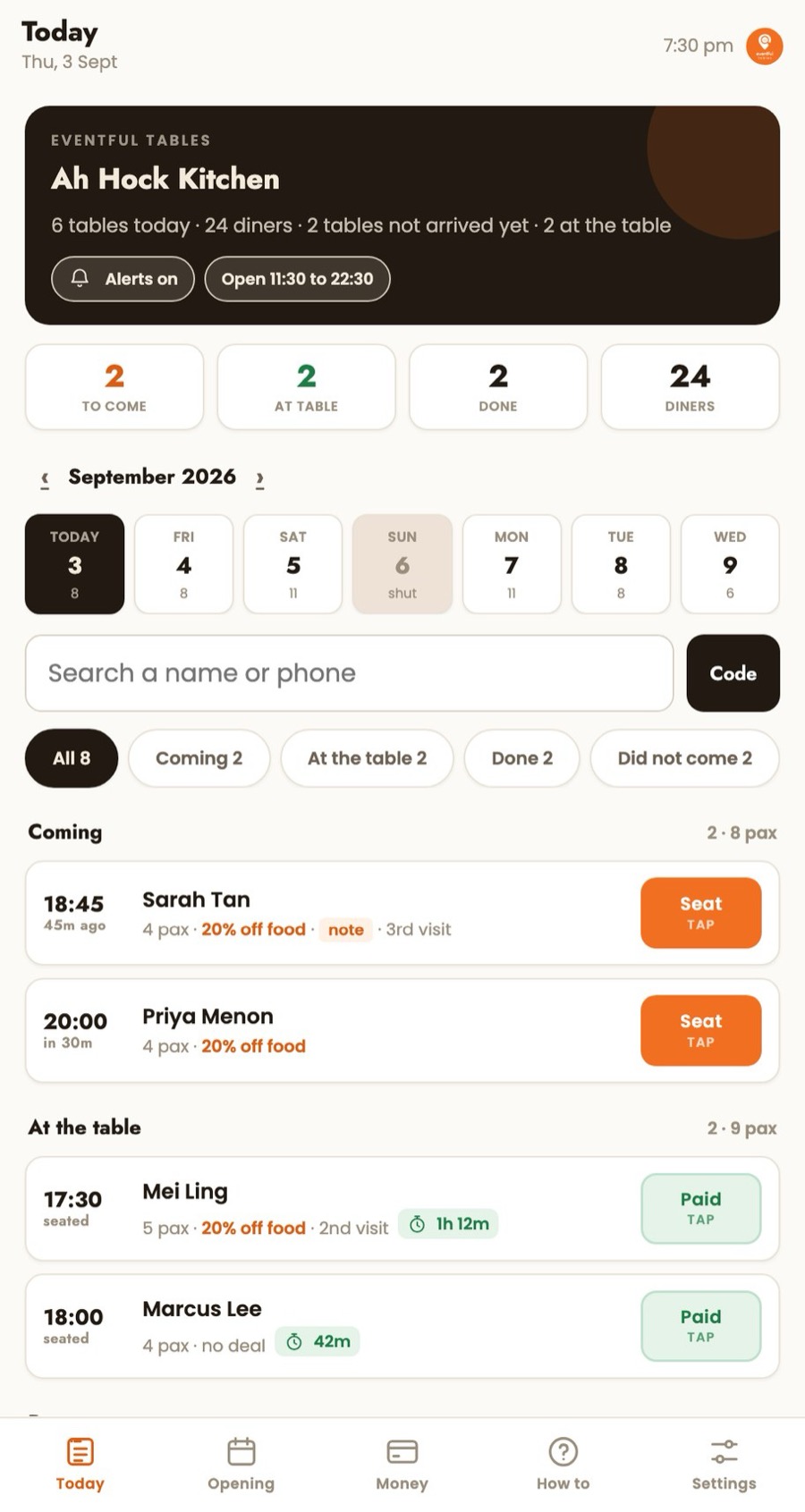
Two taps. Seat the guest, and take the payment.
The console shows tonight's bookings in order with the guest's name, party size and their deal. When they arrive, you tap seat. When they pay, you tap take payment and the screen tells your cashier the discount to apply and whether the guest wants to spend any coins. Nothing else is compulsory.
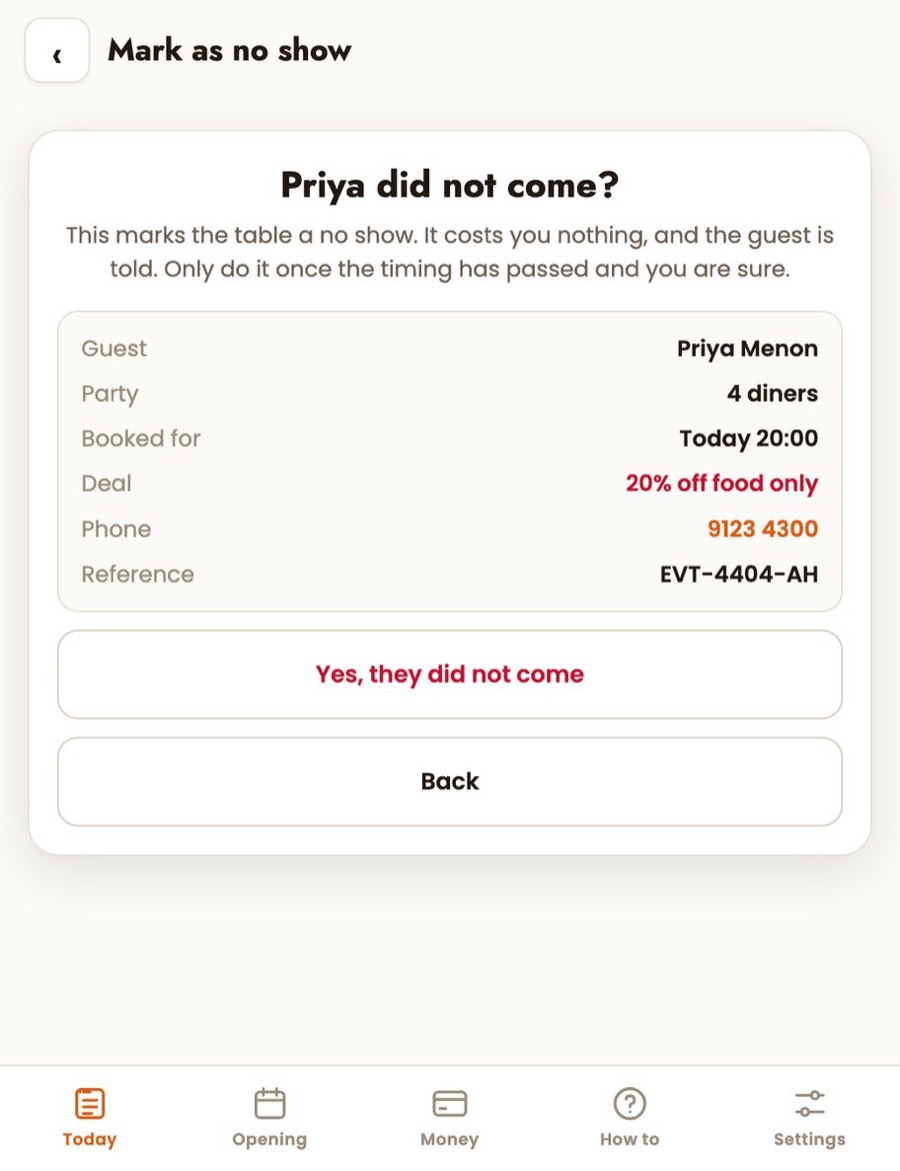
If somebody does not turn up, you mark it no show once the timing has passed. It costs you nothing and the guest is told.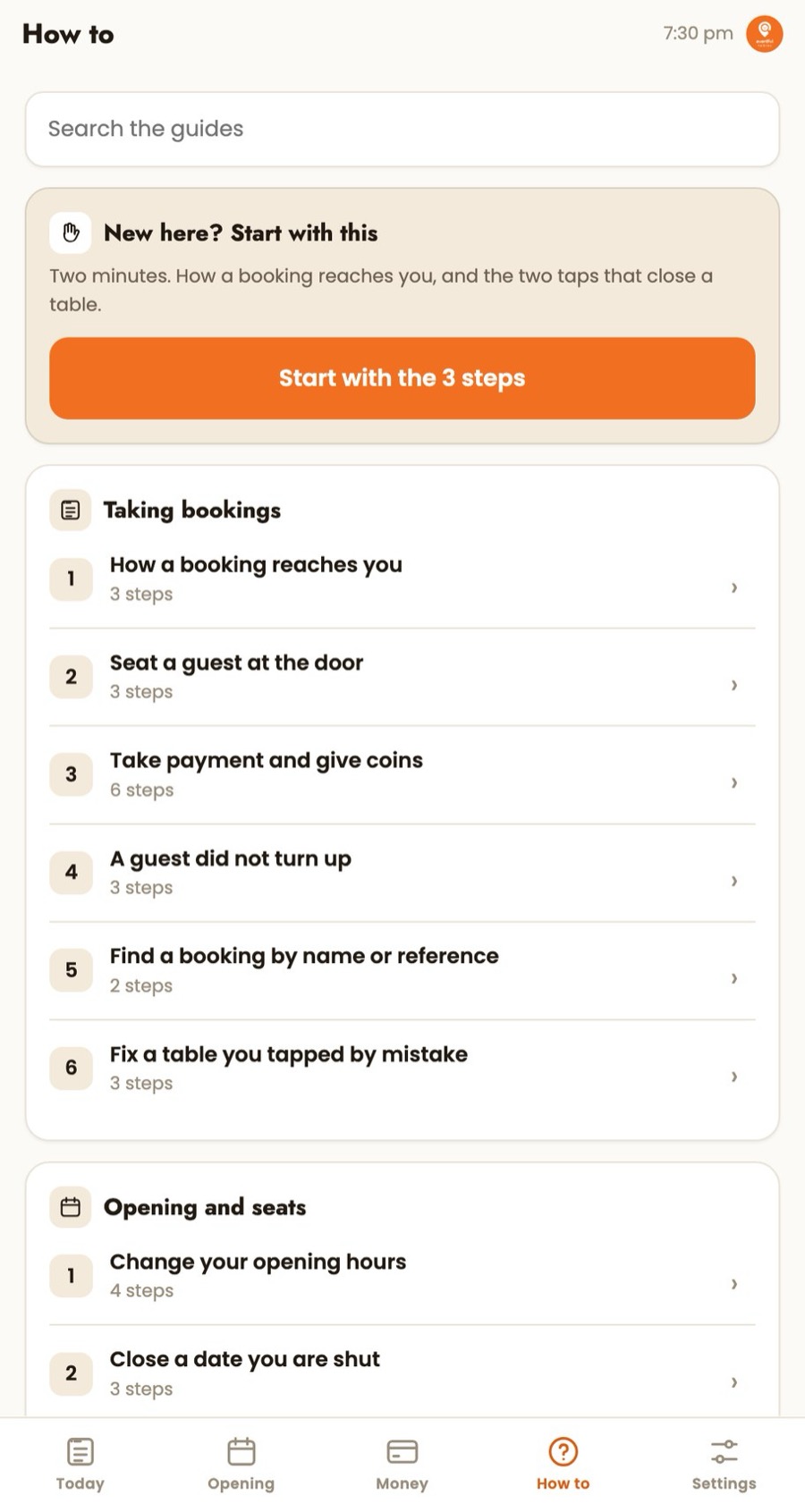
Things you can change any time
Your hours, your seats, your days off and your deals all live in one place in your console, and you change them yourself without asking us.
Two rules worth knowing before you touch them. A deal change starts the next day, so tonight's guests keep what they booked. And a deal never fires on a public holiday, so you do not have to remember to switch it off before a long weekend.
Good to know
· Start with fewer seats than you think. Two or three tables a timing is a real test and it will not sink your service.
· Use your own photos. Stock food photos read as fake and they get fewer bookings.
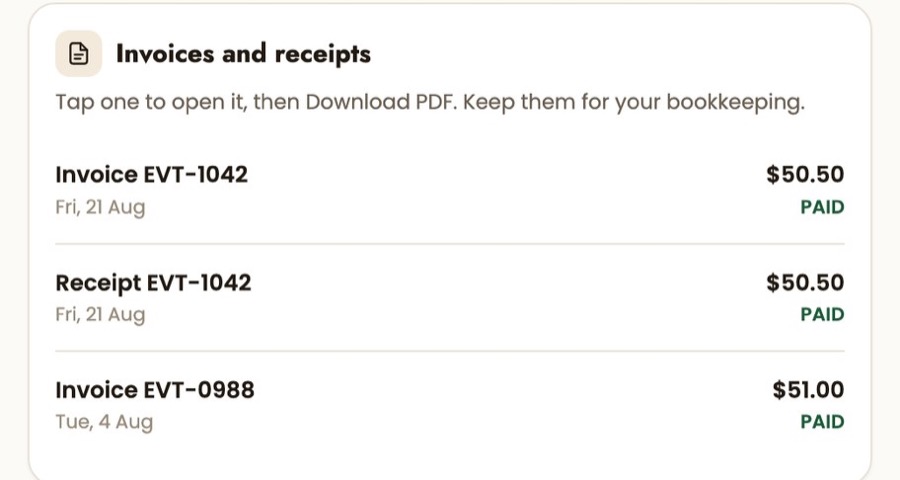
· Give us a finance email that a person actually reads. Your bills and receipts go there.
· Do the QR sticker properly. Stick it where a guest walks past, not behind the till.
FAQs
How long does it take to list a restaurant on Eventful Tables?
Most restaurants finish the form in one sitting if they have their hours, seats, photos and menu ready. You can save and come back. Going live after that is a check on our side, not more work on yours.
Do I need to install an app?
No. The merchant console is a web page that opens on any phone or tablet your staff already use. There is nothing to download and nothing to install on a till.
Do I have to give Eventful all my tables?
No. You choose how many seats to release per timing, and you can change that number yourself at any time. Most restaurants start with two or three tables a timing.
Can I take my restaurant off Eventful Tables?
Yes. There is no minimum spend and no exit fee. You can also just pause your listing from your own console if you are short-staffed for a week.
Who types in my menu?
We do. Send a PDF or clear photos and we put it on your listing for you.
What does the QR sticker do?
The guest scans it when they arrive, and that is what unlocks their discount. Because the guest scans it, the arrival is recorded on their side, and nobody has to take anyone's word for it later.