Dropping Off a Parcel at SingPost After Hours? Check Which Machine It Is
A parcel counter is not the only option after work. SingPost has self-service drop-offs, many operating around the clock. The hardware matters: at one unit, the machine takes the parcel; at the other, you still have to put it in the posting box.
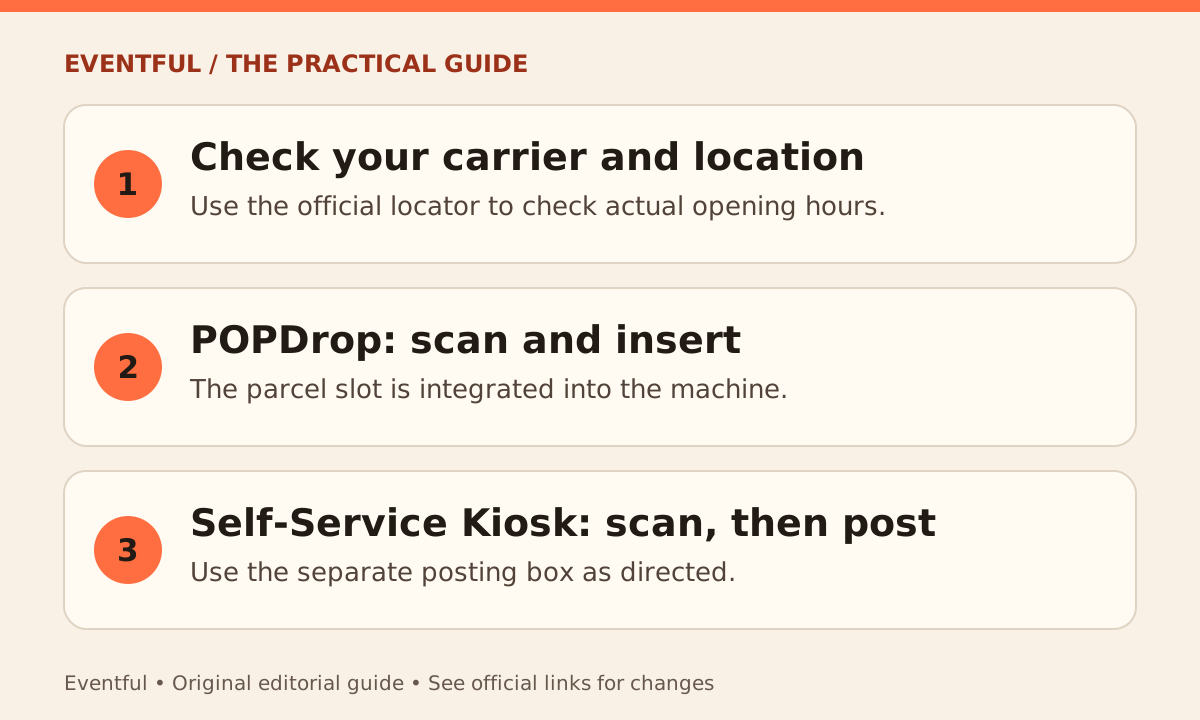
Photo: Eventful editorial illustration
Check that your label uses SingPost
Read the retailer’s return instructions or the delivery label before heading out. A marketplace return routed through another carrier is not automatically a SingPost drop-off. Use SingPost’s locator to select a nearby POPDrop or Self-Service Kiosk, then confirm the listed access hours; a machine inside a building may not be reachable overnight.
At POPDrop, use the integrated slot
At a POPDrop, follow the screen to scan the parcel and use the built-in posting slot. The machines can also print compatible labels. Check that your packed item meets the applicable service and slot limits before travelling; use the proper branch or drop-off option if it does not fit.
At the self-service kiosk, post it separately
At the other kiosk type, scan the barcode, then put the parcel into the separate posting box as directed. Scanning does not physically post it. Save the relevant drop-off confirmation or tracking number so you can check that it moved through the network.