Wrong MRT or Bus Fare? How to File a SimplyGo Claim
Used your phone to tap in and the physical bank card to tap out? The system can see two incomplete journeys, even if the wallet and physical card link to the same bank account. Check the trip before assuming that the higher fare is final.
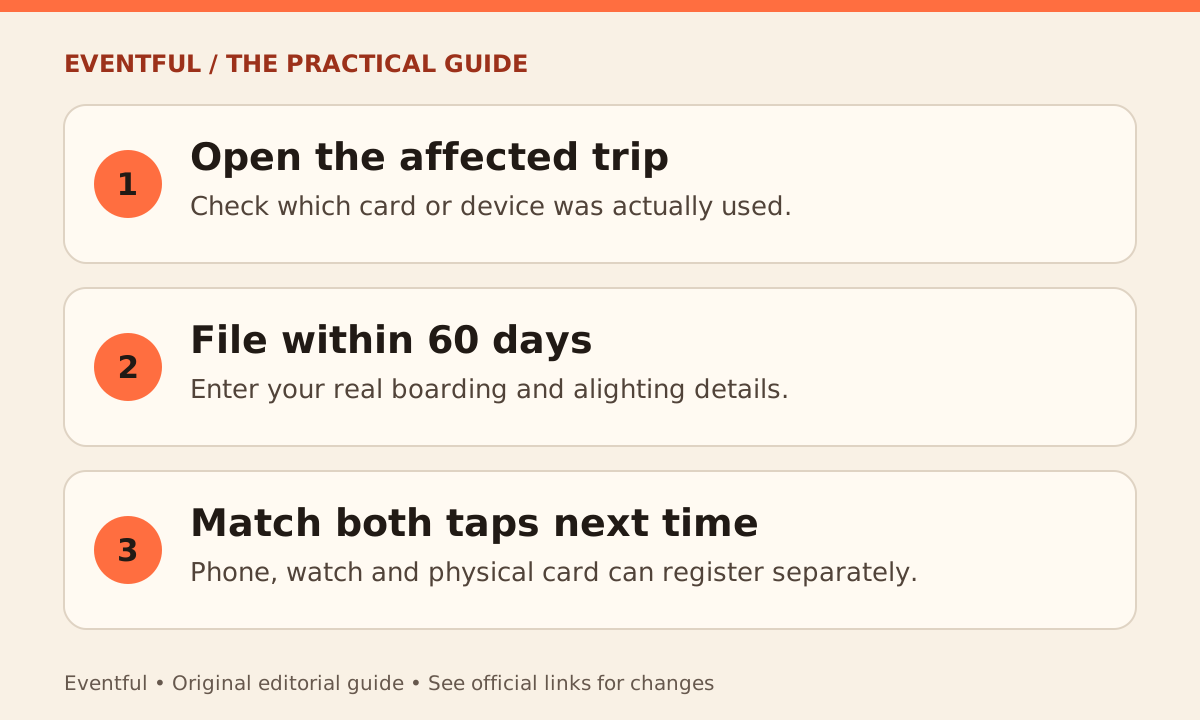
Photo: Eventful editorial illustration
Check what the record shows
Open the trip history for the card linked to your SimplyGo account or ask at a SimplyGo Ticket Office if you cannot identify the trip. A missing bus exit can be charged as though you stayed on until the end of the route. Write down the actual date, boarding stop and alighting stop while the details are still fresh.
Open the trip and file the fare claim
In the SimplyGo app, select the affected card, open the transaction and choose File a claim for overcharged fare. Enter the real journey details and submit. SimplyGo says fare claims must be filed within 60 days of the fare transaction. Filing lets the operator review it; it does not guarantee a refund.
For next time, match both taps
On each trip, use the same physical card, phone or watch all the way through. Do not switch from a phone to its associated card or to a watch at the last gate. The app’s claims section is also where you can check progress rather than filing again.