The Library Book You Want Is Out? Reserve It for Locker Pickup
Going from library to library looking for one specific book? Search the catalogue and reserve it instead. Some branches use self-service collection lockers, so the useful bit is setting the right pickup branch and checking exactly where its locker is.
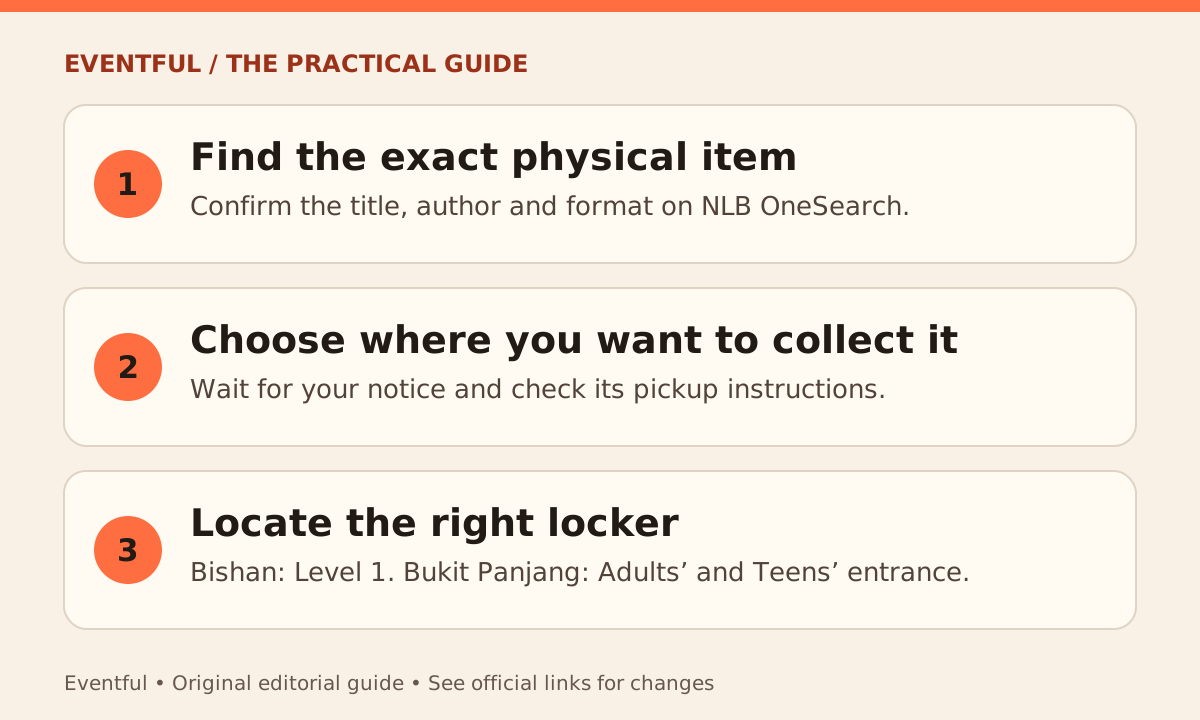
Photo: Eventful editorial illustration
Search for the edition you actually want
Use NLB OneSearch to find the title. Search by author as well if several books share the same name, then check whether it is the physical copy, an eBook or an audiobook. Follow the reservation option for the physical item you want and confirm your pickup location before submitting.
Wait for the pickup notice
A reservation is not the same as a ready-to-collect book. Check your notification for pickup instructions and the collection deadline, and follow any fee details shown in your account. Bring your NLB Mobile app or library card as directed for the pickup.
Check the branch’s locker location
NLB’s Bishan visitor guide puts reservation lockers on Level 1. At Bukit Panjang Public Library, the library shows them at the entrance to the Adults’ and Teens’ Zone. Those are examples, not a promise that every branch has the same process. Follow the instructions for the location on your own reservation notice.