Before You Add a Supplier, Check Its UEN Against the Invoice
A logo on a quote is not the same as the legal name on an invoice. For a Singapore supplier, start with the UEN and registered name in Bizfile so your admin team can tell which entity it is setting up.
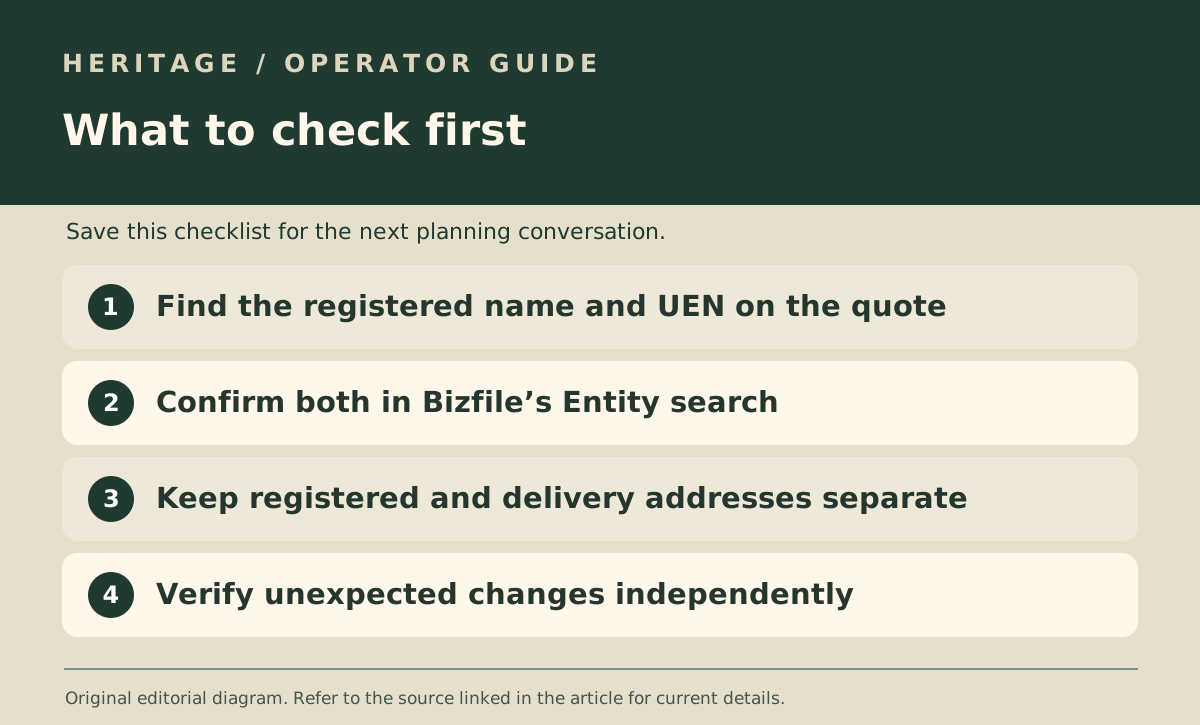
Start with the UEN if you have it
ACRA’s guide says Bizfile’s Entity tab accepts either a business name or a Unique Entity Number. A name can return similar results, so compare the UEN on the quote, the entity name shown in Bizfile and the details your supplier gave for invoicing.
The free entity search shows basic information including live status and the registered address. A registered address need not be the place you collect goods, so record it in a separate field from the delivery or collection address rather than guessing that one of them is wrong.
Know what “live” does not tell you
The register gives you an identity and status check. It does not tell you a supplier’s food licence, fulfilment quality or whether the person emailing you can change the payee. If invoice instructions change, reconfirm them through the supplier contact you already know rather than relying on the changed email alone.
One useful approach is to keep two checks distinct: which entity is this, and who at that entity confirmed the payment or purchase-order instructions? This article is about the identity check, not deciding whether a particular supplier is trustworthy.
Decide what you need before buying a report
For a basic identity check, begin with the free search. When your procurement process needs a fuller record, ACRA distinguishes the paid Business Profile from free search results and describes the information each contains.
Keep a short record of what you checked and the date. If documents show two different entities or the supplier cannot explain the difference, resolve it before setting the vendor up rather than replacing one name with another in your records.