One SGQR Label Does Not Mean Every Payment App Works
SGQR is designed to combine payment options on one label. That does not mean every customer app works with every merchant. Before you invite customers to scan, check what the outlet’s label actually supports and how your team will confirm the payment.
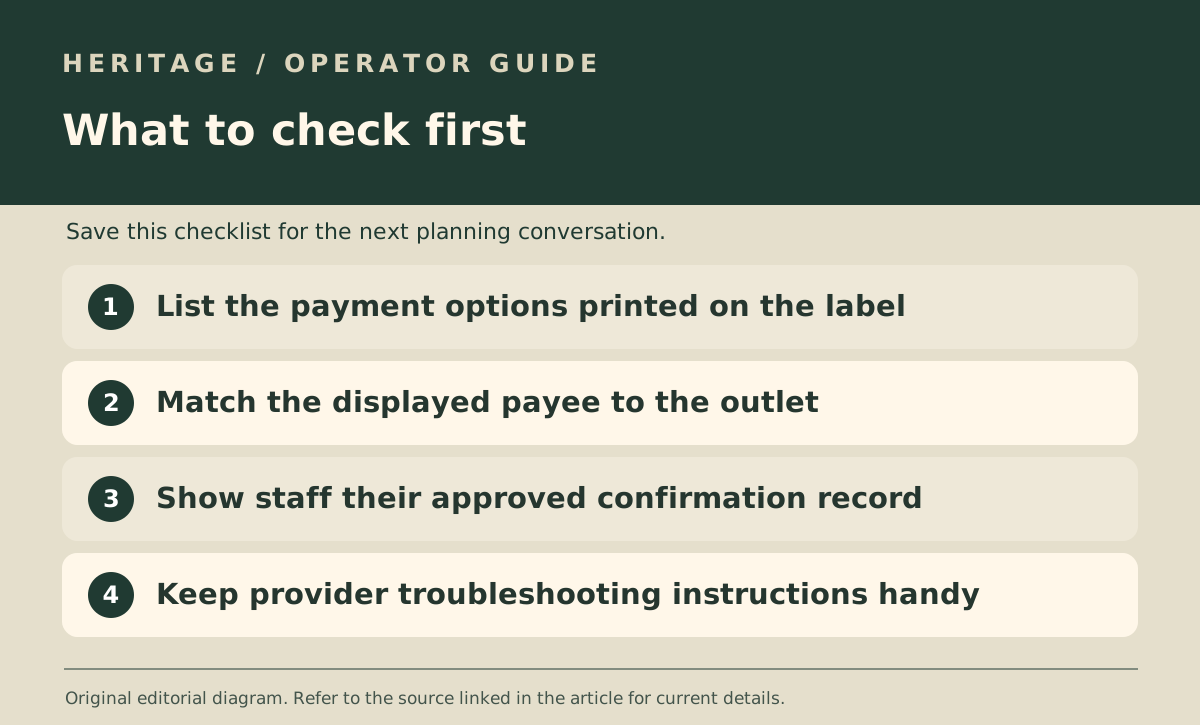
Read the payment options printed on your label
MAS describes SGQR as a standardised code that can combine multiple payment schemes. A customer still needs an appropriately set-up payment app and the merchant must support that option. Use the label’s actual payment marks and your provider’s instructions, rather than putting up a sign that says all wallets work.
If you are changing providers or adding a counter, ask the provider which label goes with the outlet. Keep a record of its location so the label that belongs to a different counter does not get put back after a refresh.
Decide what confirmation looks like to staff
MAS tells customers to check the merchant name when scanning and says both customer and merchant should receive a payment notification. Train counter staff to use the approved merchant-side notification or transaction record for their outlet, not an unfamiliar screen passed across the counter.
Run through the counter flow from order amount to confirmation before the opening rush. Ask the provider how to find the transaction if the notification is delayed.
Agree the fallback while the queue is still imaginary
Write a short staff note for the case where the customer’s payment option is unsupported, the connection drops or a notification is unclear. The provider’s official instructions should determine how your team resolves a payment issue.
Review the outlet’s payee name and acceptance marks whenever you replace the sign. A tidy label is only useful if it routes to the right place and gives staff a reliable way to check the outcome.