A Booking Reminder Is Not a Promo Blast. Keep the Templates Separate
A reservation reminder needs a time and a way to change the booking. Add an invitation to buy next month’s tasting menu, and the message now does two jobs. Different templates are easier for staff to use and easier for owners to review.
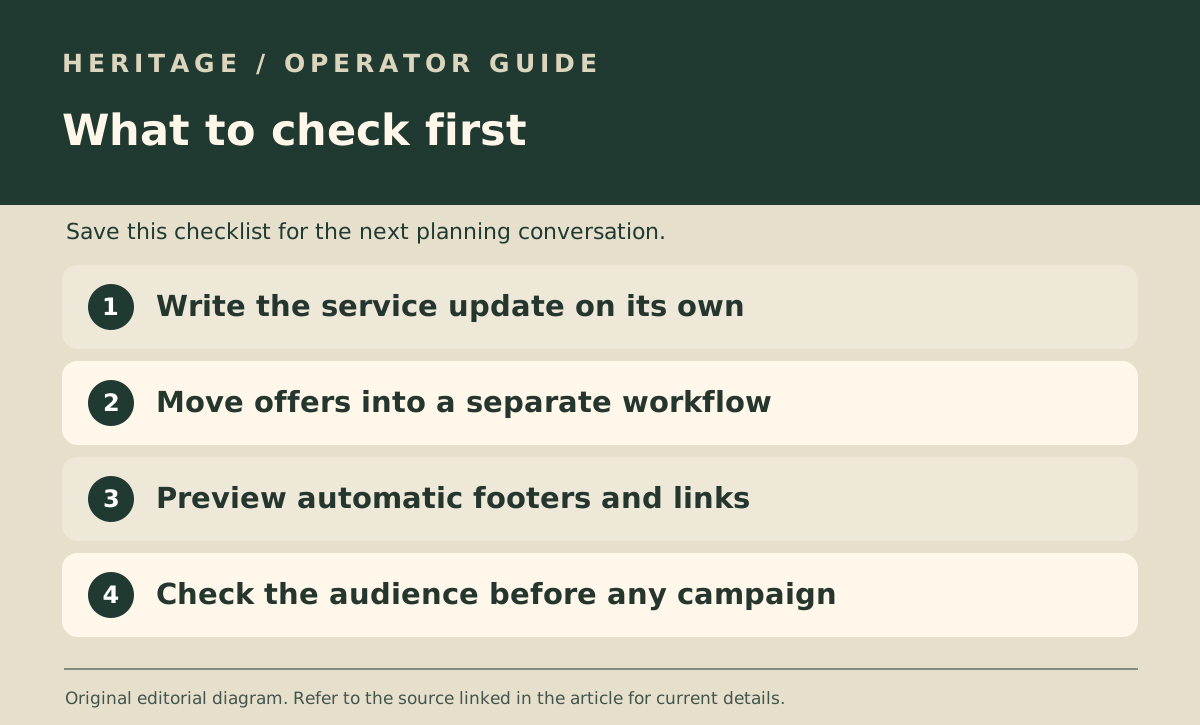
Write the booking update on its own
A useful booking update answers what changed, when it applies and what the guest should do next. For example: “Your reservation is now at 7.30pm on Friday. Reply if that time no longer works.” It does not need a coupon, membership pitch or link to another event.
The PDPC’s Do Not Call advisory guidelines discuss the distinction between promotional messages and several kinds of service or transaction communications. Check the full guidance for the actual message and the channel used; what staff name a template does not decide how it is treated.
Build a separate workflow for offers
Give a future offer its own draft, audience and review. Confirm how contacts came into the list and whether they asked to hear about offers. Do not use the shared booking spreadsheet as a shortcut for an audience list.
If the software allows a staff member to tack marketing copy onto a service notification, review that control before rollout. A one-line add-on can be easy to overlook if the team is only testing delivery.
Review the text a guest sees
Check an actual preview from each system you use. A branded footer is different from a sales pitch; if an automated footer advertises a new package, flag it for review instead of assuming it is harmless.
Keep the routing obvious: booking templates are edited by the service owner, campaign templates go through whoever reviews promotional messaging. This is a workflow example, not an assessment of permissions for any contact list.