Switching POS? Export a Day You Can Rebuild Before You Cut Over
The new till can ring up an order. That doesn’t mean it can answer a question about last September’s takings. Before you close the old account, test whether someone can reconstruct one ordinary day without relying on the old dashboard.
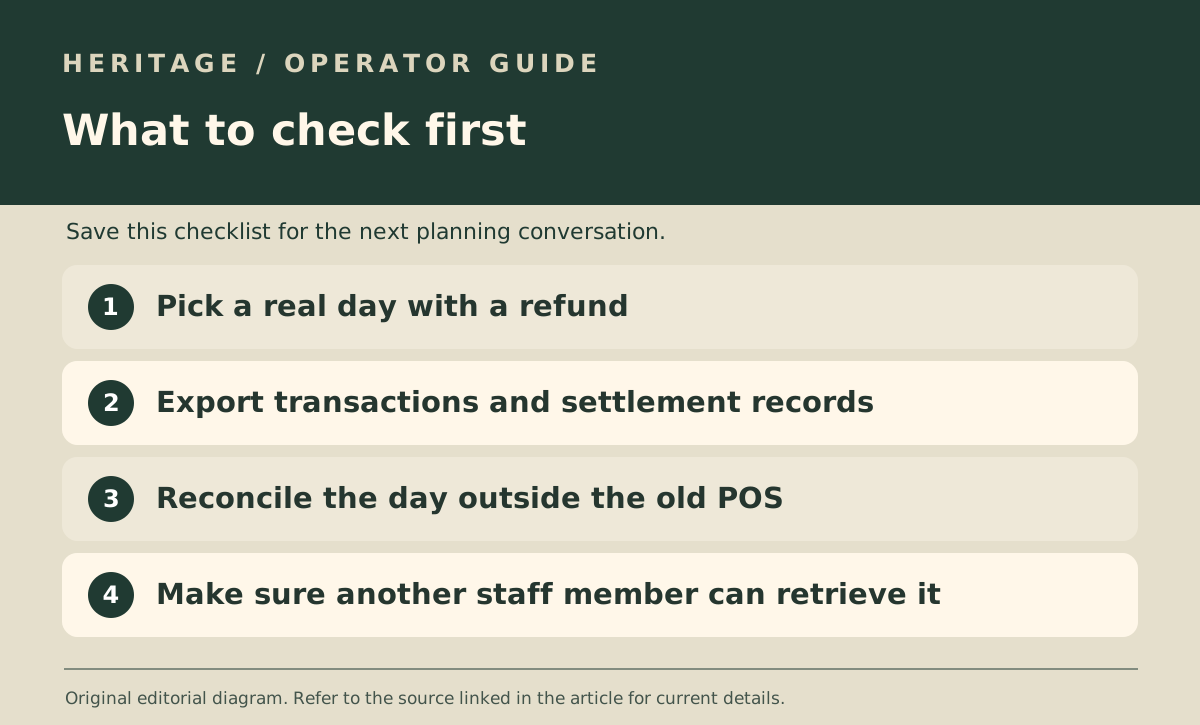
Pick a day with the mess still in it
Choose a real trading day with a sale, a refund and more than one payment method. Save the transaction export and daily close summary. Gather the payout statement and supporting paperwork separately so the new export can be checked against something other than itself.
IRAS has distinct record-keeping guidance for companies and for self-employed operators and partnerships. Both explain the importance of keeping records accessible, so use the guidance for your business type rather than assuming a screenshot or a monthly total is enough.
Do the comparison away from the old till
Open the exported files on a machine that does not rely on the old system being signed in. Check that the date, outlet, sale identifiers and refund entries are still readable. For multi-outlet teams, make sure the export identifies which outlet each transaction belongs to.
Record anything still trapped in the old dashboard: for instance, void reasons or references needed to match payouts. Ask the vendor how to obtain those records before ending access.
Write down where the archive lives
Give whoever handles bookkeeping a short index: date range, outlet, file type and secure storage location. Test whether that person can find a specific day without asking the person who migrated the system.
Keep access limited to staff who need the records. Use the official retention guidance and check any separate obligations for your circumstances; this test is about record retrieval, not choosing a filing approach.