Changi Airport Wi-Fi and Charging: How to Get Online for Free
Just landed with a nearly flat phone and no local data? You can use Changi’s free Wi-Fi in the terminal before sorting out a SIM. Charge and download what you need while you are still at the airport.
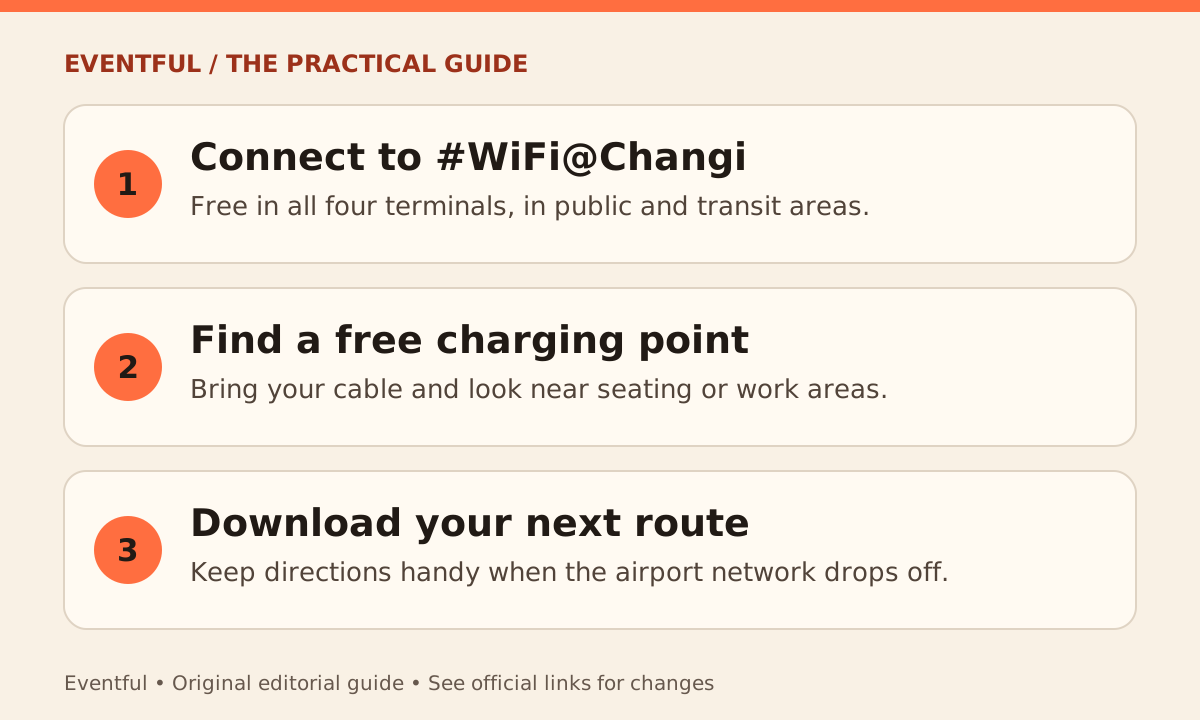
Photo: Eventful editorial illustration
Connect to the correct network
On your device, select #WiFi@Changi and follow the airport’s prompts to get online. Changi lists the network in all four terminals, both in the public areas and in transit. If your phone connects without opening the sign-in screen, try opening a new browser page or check with airport information staff.
Charge first if you expect to use the phone at your next stop
Changi’s official directory lists charging points across the airport and Jewel. It says all airport charging points are free for passengers and that its charging ports are charge-only. Bring your own cable; check the directory or look around nearby seating and work areas for a suitable port.
Save the essentials before leaving the terminal
Download your public transport route, hotel address and any booking references you need to show. If your device will also be your fare card, keep enough power for both taps. Offline copies help if you lose the airport connection before setting up mobile data.