NLB Study Seats and Wi-Fi: Plan a Useful Work Session
Need a place to finish a draft or revise without buying another coffee? Start with the right library area, not just the nearest chair. Tampines has separate study and co-working lounges; Punggol has a Study Zone that stays open later than the main library.
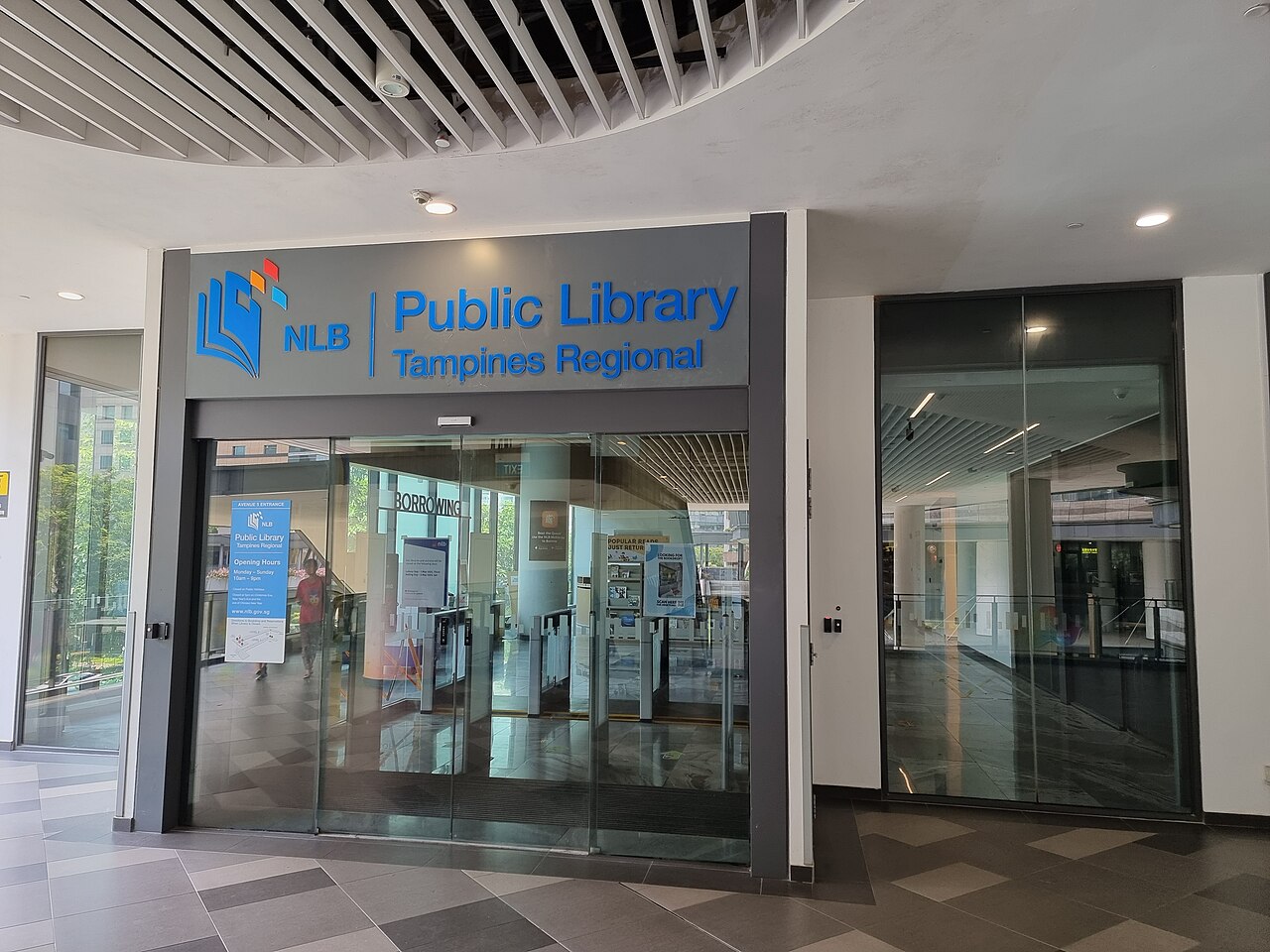
Photo: Kbseah / Wikimedia Commons, CC BY-SA 4.0. Resized; responsive display may crop.
Choose a useful study base
Tampines Library: the Level 5 Study Lounge is for quiet reading and work. Its separate Co-Working Lounge takes bookings from adults aged 21+. NLB’s fact sheet directs both to Seat Booking on its website or mobile app.
Punggol Library: the Level 3 Study Zone opens 9am–10pm daily, including public holidays. Access it through One Punggol’s Lift Lobby B. Those hours do not apply to the whole library.
For silent revision, we would choose a study area rather than assume a co-working seat permits calls.
Reserve through NLB, then check the actual slot
Use NLB Seat Booking to check the library, area and available time. Save your confirmation and follow the arrival and cancellation rules shown there. We have not verified a universal release time or booking limit, so do not plan around an old blog’s rules.
Tampines currently lists 9–10am extended access, with staff-assisted services from 10am and general hours until 9pm. Public-holiday closures and 5pm festive-eve closing still apply.
Set up the laptop before the work block
NLB uses Wireless@SG. Its Wi-Fi guide explains Wireless@SGx setup for phones, tablets, Macs and Windows computers.
Download the document you need, charge the laptop and bring headphones. Do not make the session depend on finding a socket. Our suggested plan: one focused task, a short break, then a final edit before your booked time ends.
Good to know
· Punggol’s 10pm closing applies to its separate Study Zone, not all floors.
· Check the actual booking confirmation rather than assuming an old time limit still applies.