NLB MakeIT: From Starter Session to Machine Booking
You can try 3D printing and sewing at the library without buying the machine. NLB MakeIT workshops and materials are free for members. The route is simple: learn in a Starter Session, then reserve equipment you are certified to use.
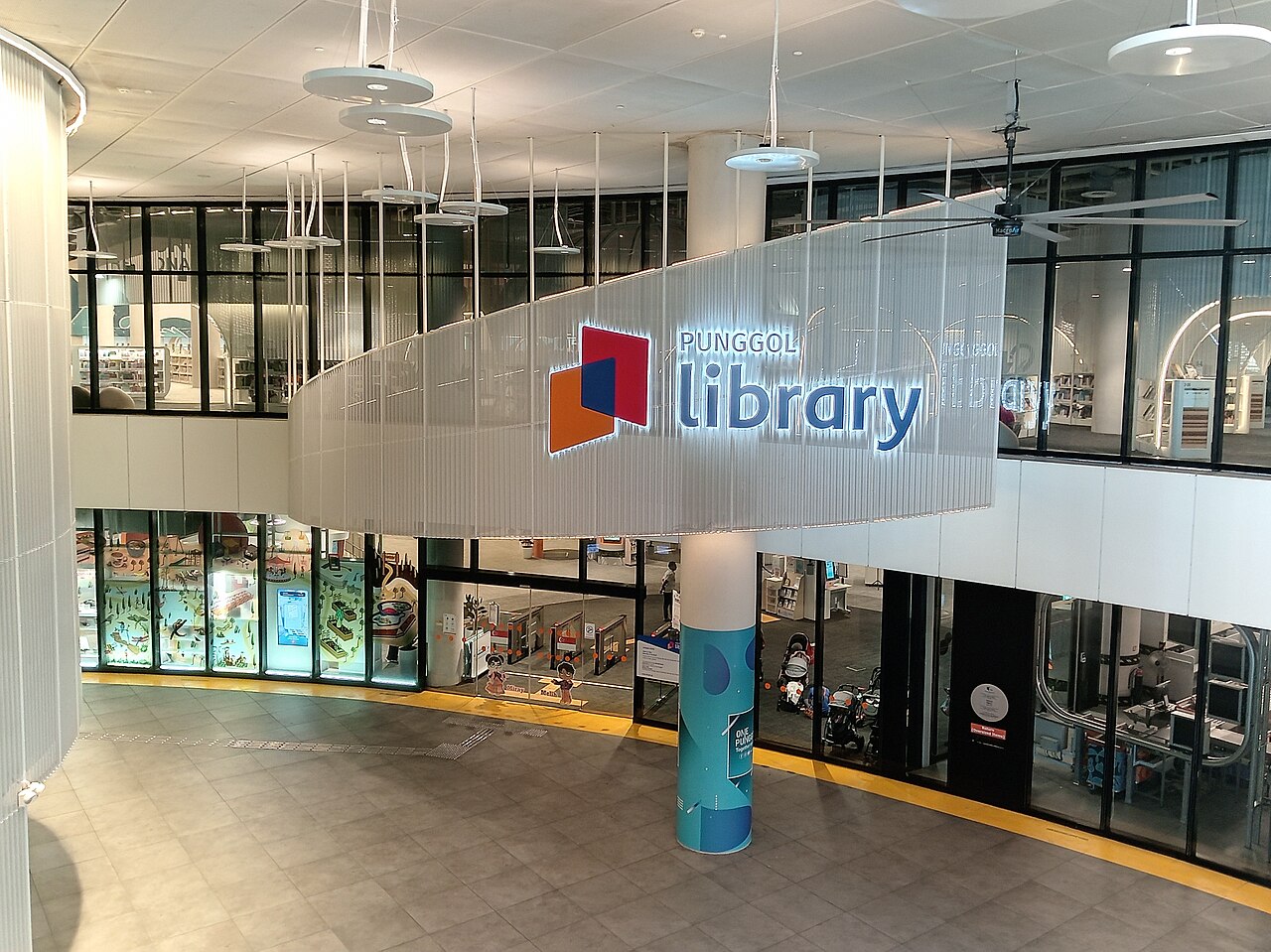
Photo: Hason-LEK-SIN / Wikimedia Commons, CC BY 4.0. Resized; responsive display may crop.
Choose the project, then the introduction
Want a small model? Look for a 3D Starter Session. Want to work with fabric? Start with sewing. NLB says no previous expertise is needed for its introductory workshops, and recommends equipment and programmes for ages 13+.
Our advice: learn one process first. A simple test piece teaches you more about the workflow than spending the whole slot troubleshooting an ambitious design.
Reserve the right machine at the right branch
The MakeIT Yourself booking page lists 3D printers, 3D pens and sewing machines at Woodlands, Punggol, Jurong and Tampines. New users need the relevant Starter certification, and equipment booking uses Singpass.
That reservation is machine time, not a lesson. Find the introduction through NLB’s GoLibrary calendar, then use the equipment link for the same process and your chosen branch.
MakeIT has its own opening hours
Published makerspace hours are Wednesday–Sunday, noon–8.30pm. MakeIT closes Mondays, Tuesdays, public holidays and Christmas, New Year and Chinese New Year eves, even when other library spaces are open.
- Jurong: Level 2.
- Tampines: Level 4.
- Woodlands: Level 3.
- Punggol: Level 4.
Before bringing a project, check the accepted materials and file preparation with the Centre Manager. Keep time for setup and packing away. For the fabric-specific route, see our NLB sewing guide.
Good to know
· MakeIT starts at noon, not when the main library opens.
· Complete the relevant Starter Session before reserving equipment.