Singapore Christmas Lights: Better Phone Photos Without a Tripod
For clearer Christmas lights photos on a phone, clean the lens, hold the phone still, lower exposure if bright lights lose detail, and keep the main subject close enough to recognise. A few deliberate frames usually work better than zooming from behind a crowd.
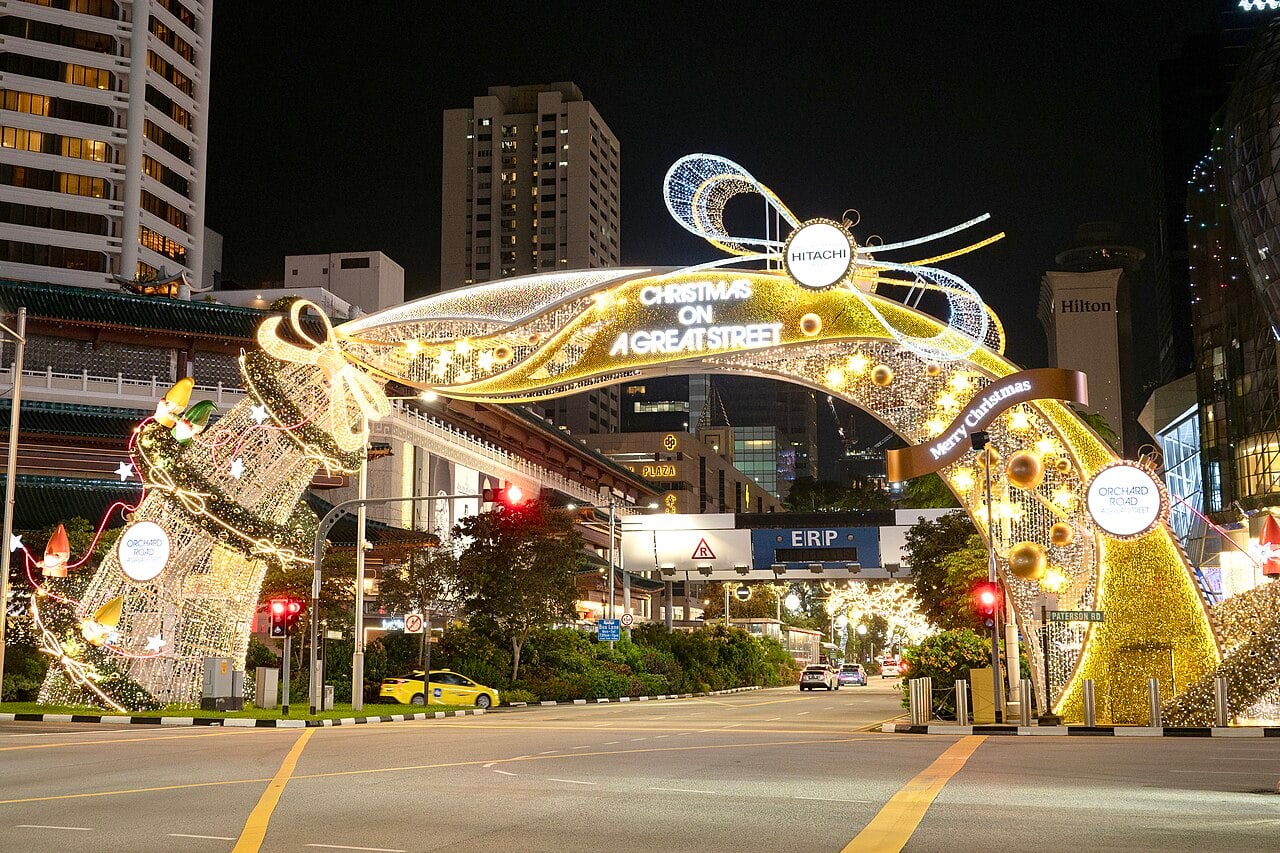
Photo: ScribblingGeek / Wikimedia Commons
Choose a scene before choosing a camera mode
A wide street view, a person beside a tree and a moving light show need different decisions. For a wide view, look for a foreground that gives the lights scale. For a portrait, decide where the face will get light. For a show, decide whether a short video captures it better than a blurred photograph.
Our Orchard photo walk groups official locations into a useful order. It is better to arrive with two pictures in mind than spend the whole outing photographing every decoration from the same angle.
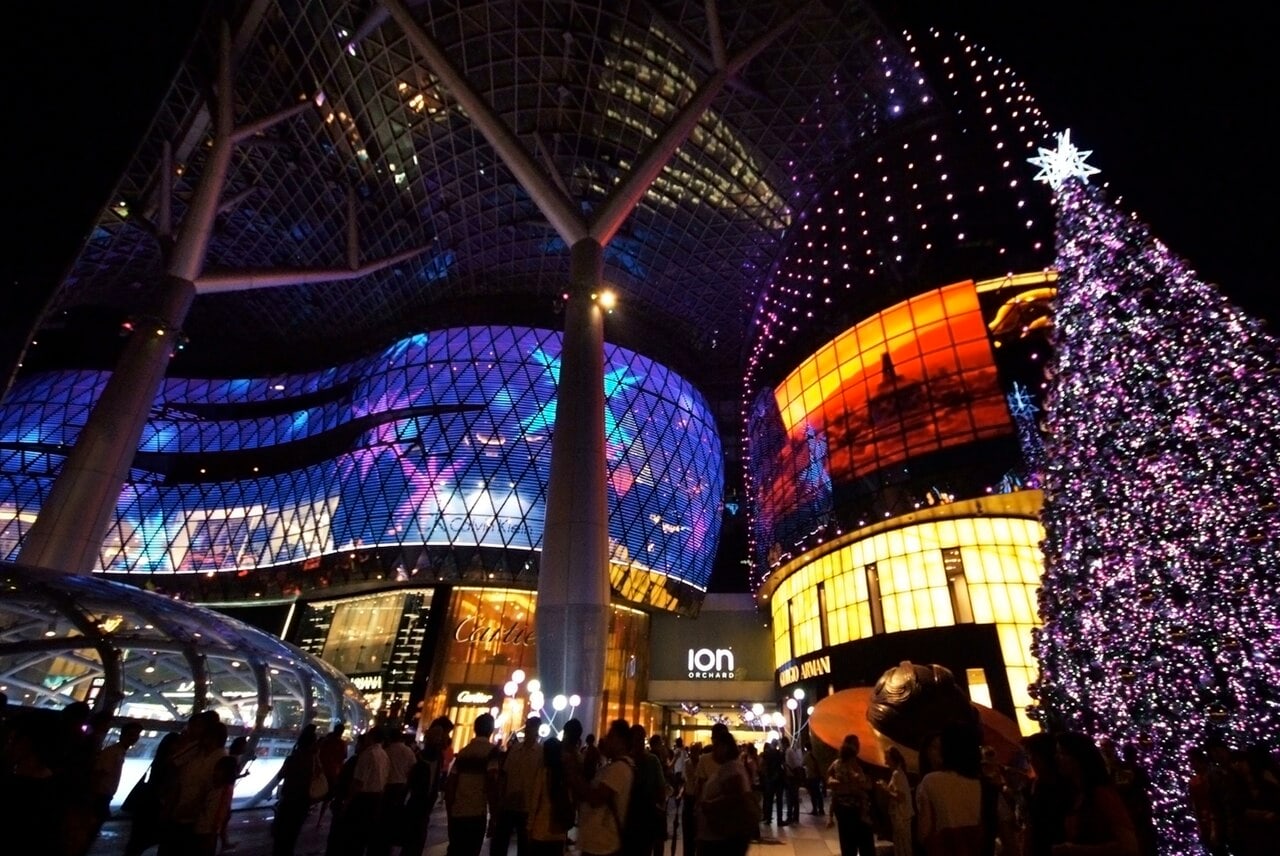
Keep the lights from becoming white blobs
Tap on the important part of the scene and test a slightly darker exposure if your phone provides that control. Review the result at a normal viewing size. If the decorations keep their colour and the subject is still readable, you have a better starting point than a very bright but washed-out frame.
Avoid digital zoom unless you genuinely need it. Take a wider picture and crop modestly later. Brace your elbows against your body, breathe normally and hold still for the full capture. A night-mode image can fail if you lower the phone before it finishes.
Make people visible without spoiling the background
Move the person towards existing light rather than expecting the camera to solve a completely dark face. Try the edge of a well-lit public area, while keeping doorways and walkways clear. Take one test frame before the whole group poses.
Flash often lights the nearest person while leaving the distant decoration dark. Compare a frame with and without it rather than leaving it on automatically. Do not use flash where the venue prohibits it, and avoid shining a torch at performers, animals or other visitors.
For children who will not stand still, use normal photo mode or a short burst instead of insisting on a long night-mode exposure. The expression matters more than perfectly sharp bulbs in the background.
Moving shows, rain and other visitors
For moving projections, start with a short video and keep the camera steady rather than sweeping across the whole scene. Take still photographs during slower moments. Reflections on wet paving can be interesting, but they are not worth standing in a vehicle lane or handling a phone in heavy rain.
A tripod is not automatically permitted. Gardens by the Bay currently prohibits tripods and camera stands inside Floral Fantasy, as stated in its visitor advisory. Check each venue’s rules and keep equipment out of access routes.
Take your turn, check a few frames, then move. Ask before making another visitor the identifiable subject of your photo. If you share pictures of other people’s children, get their parent or guardian’s permission. A considerate photographer usually gets better cooperation than one who treats a public display as a private studio.
Sources and planning notes
Checked on 7 November 2026. Suggested routes and time allowances are our planning recommendations, not an organiser itinerary. Gardens visitor advisory · Orchard official photo locations.
Good to know
· Wipe the lens after moving between humid air and air-conditioning.
· Keep the original files; messaging apps may compress them.
· Never step into traffic for a centred light-up shot.
FAQs
Do I need a tripod?
No. A steady handheld technique is enough for many phone photos, and some venues prohibit camera stands.
Should I always use night mode?
No. It helps still scenes but can blur moving people or fast-changing displays. Compare it with normal mode.
Why do my Christmas light photos look blurry?
Clean the lens, steady the phone and hold it still until capture finishes. For moving people, normal photo mode can work better than a long night-mode exposure.