Picking Up a Watsons Order? Wait for the Ready Message First
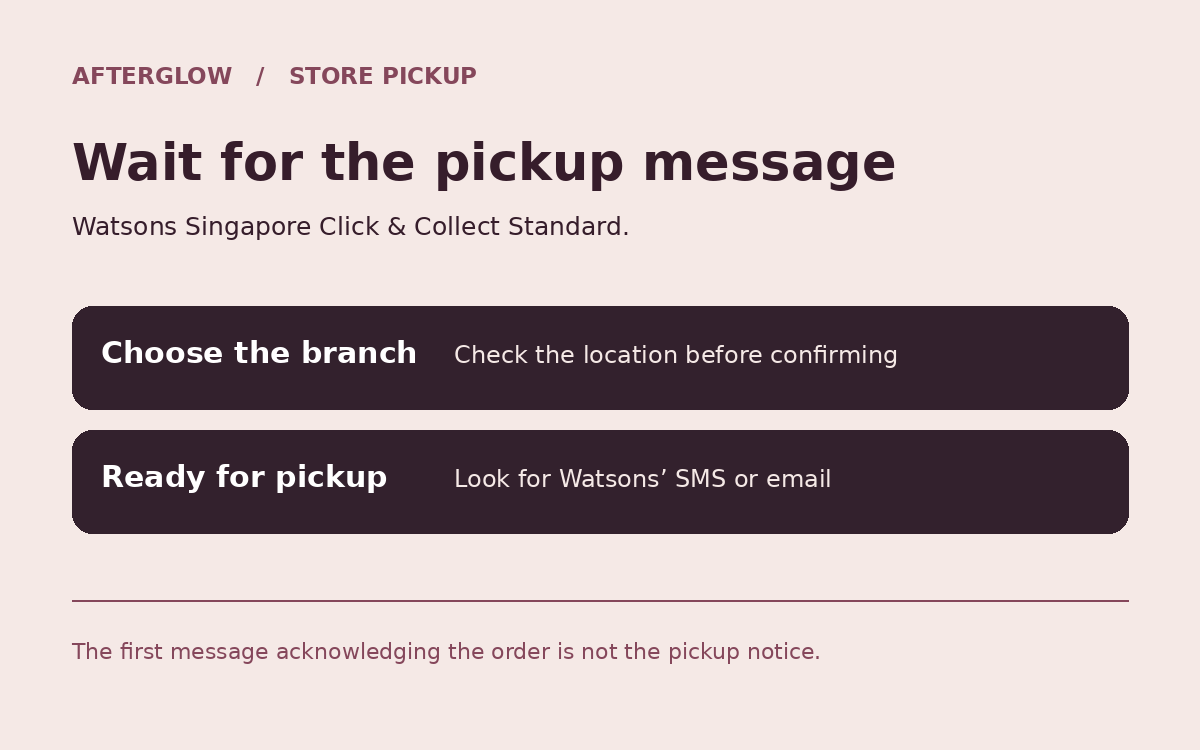
If you order a beauty product with Watsons Click & Collect Standard, do not set off after the first email. Choose the correct branch at checkout and wait for a separate SMS or email saying collection is available.
1. Match the store to the trip you will actually make
Choose the branch and read the address before confirming. Watsons’ terms say the pickup store cannot be changed after confirmation. If the right branch is not offered in checkout, do not assume the one nearby can take over the order.
2. Standard is not the Express option
Watsons’ general store-pickup terms list availability within four business days and say the retailer will send an SMS or email when the order is ready. That is not a same-day promise. An order acknowledgement alone is not a collection notice.
The retailer advertises a limited-time Standard no-service-fee, no-minimum-spend offer on its Singapore homepage. Check what your cart shows rather than relying on that banner as a permanent fee policy.
3. Have the pickup message at the counter
Watsons says the customer or an authorised representative aged 18 or older may collect, and asks for the email or SMS notification for verification. The store may ask for additional details. Check the pickup deadline shown on your particular order instead of leaving collection to the last day.
Do not add another purchase just to trigger a voucher
Compare the final price with the cost of buying the item you need in-store. If the only way to unlock a discount is adding something you would not otherwise buy, the smaller basket can still be cheaper.