How kcutsGO Lets You Queue for a Haircut Without Standing in Line
kcutsGO lets you join a haircut queue and watch it from your phone, but it is not an appointment at a fixed time. The main thing to get right is the branch: kcuts says a ticket cannot be transferred to another outlet.
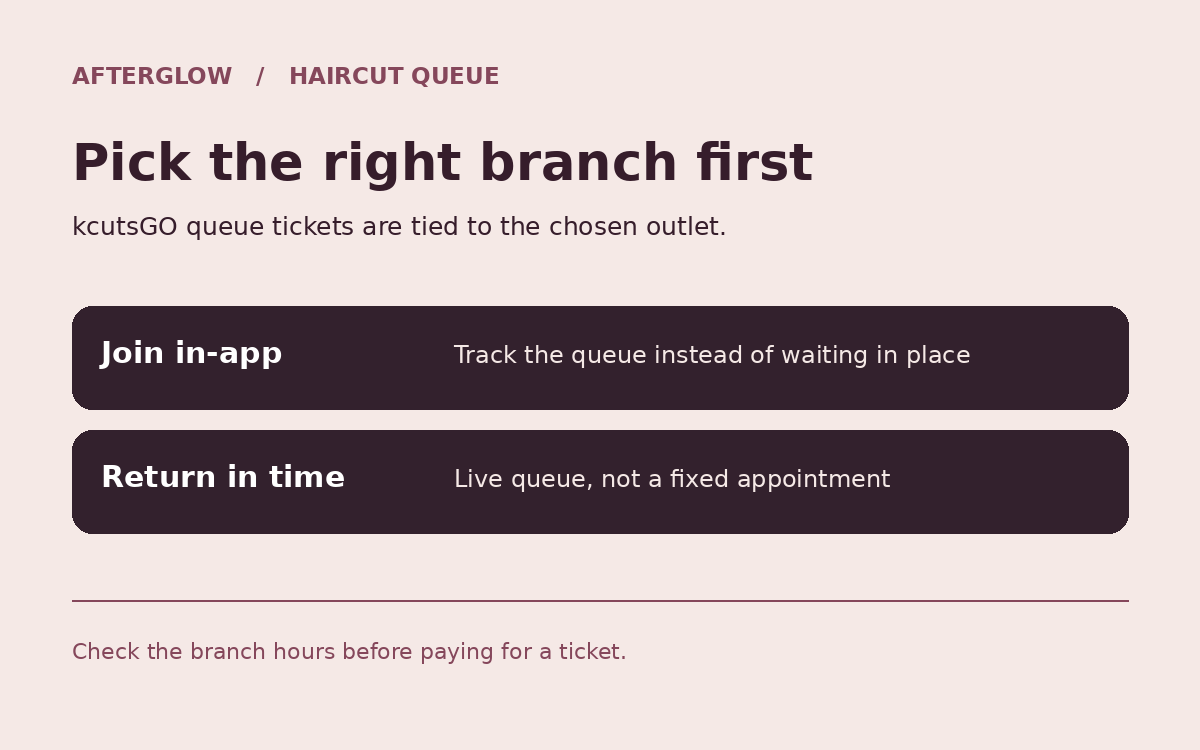
Set the branch before buying
Open kcutsGO, choose the branch you actually intend to visit, and join that queue. The haircut operator lets customers add tickets for family members before paying. It also lists a paid option to choose a specific stylist. Check what the app actually shows for the chosen branch.
Keep track of the queue once you leave the shopfront
The app shows live queue status. Give yourself enough time to get back, especially if you have left the level or gone to a different part of the mall. A shop’s published haircut target is not the same as the wait before your turn.
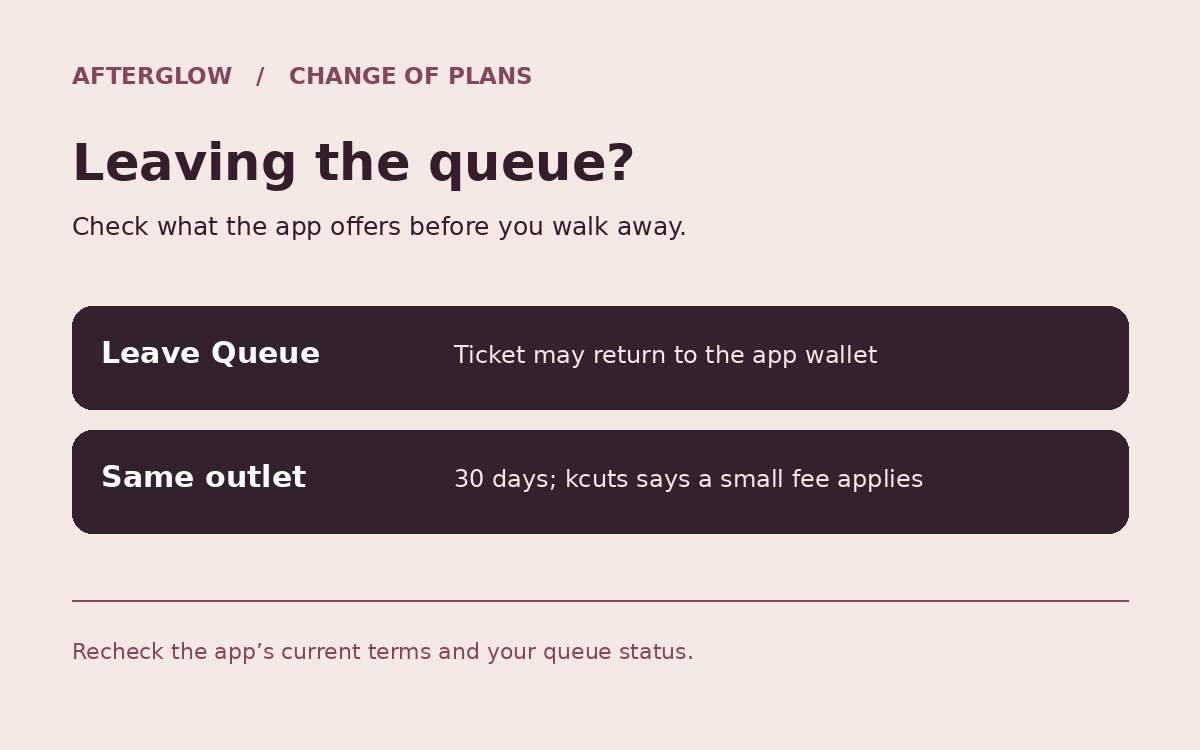
If your errands run long, check the leave-queue rule
kcuts says the Leave Queue option stores a ticket for 30 days in the app wallet, subject to a small service fee, and it can only be used at the original outlet. Do not confuse leaving the queue yourself with missing a turn; check the app’s current instructions for that case.
Quick cut, not a wash and blow-dry
The standard service focuses on cutting and styling the hair on your head. Its service page says it does not include pre-cut washing or other grooming services. If you are fitting the stop into lunch, also check the branch’s hours and whether it is still accepting customers.